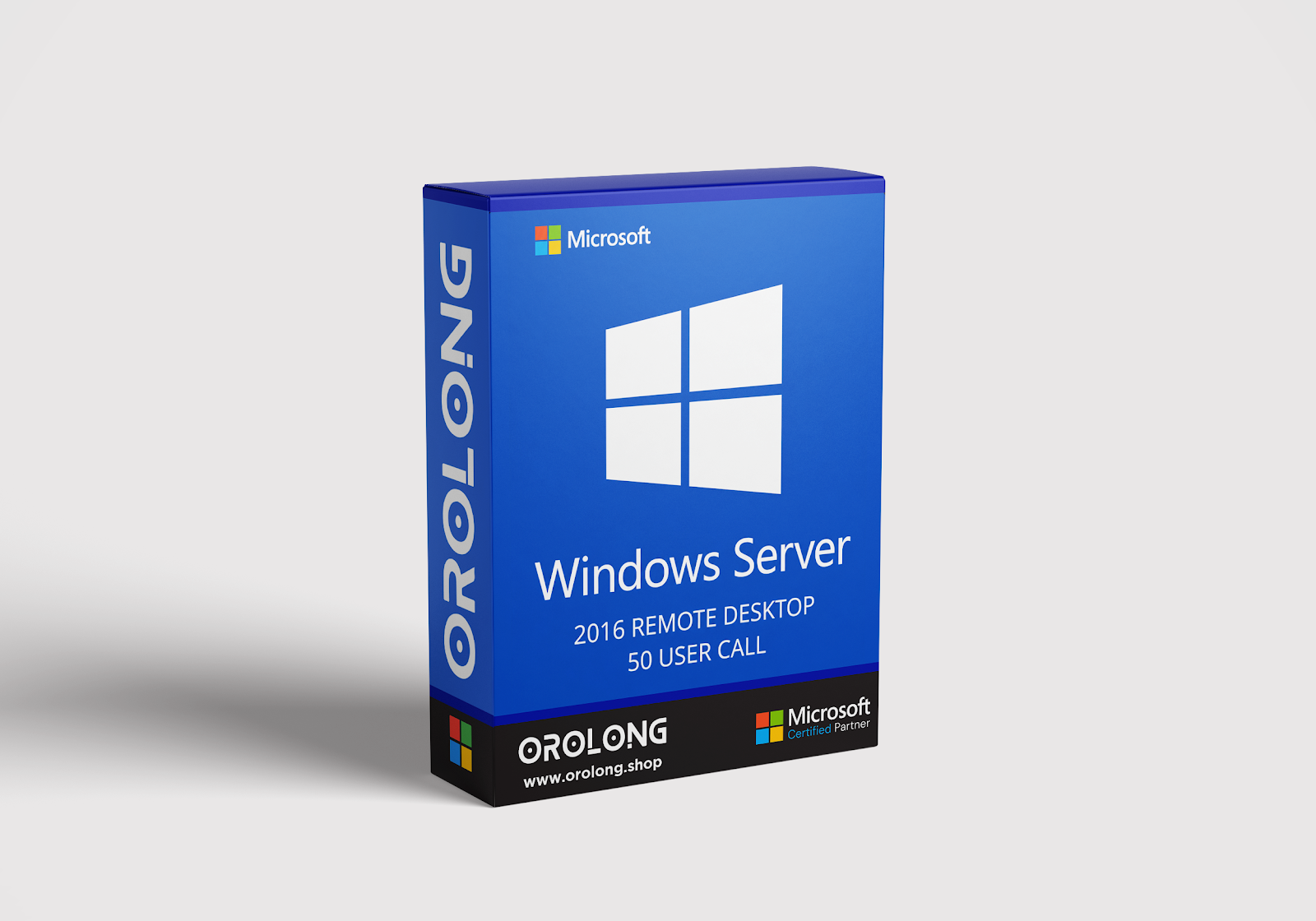
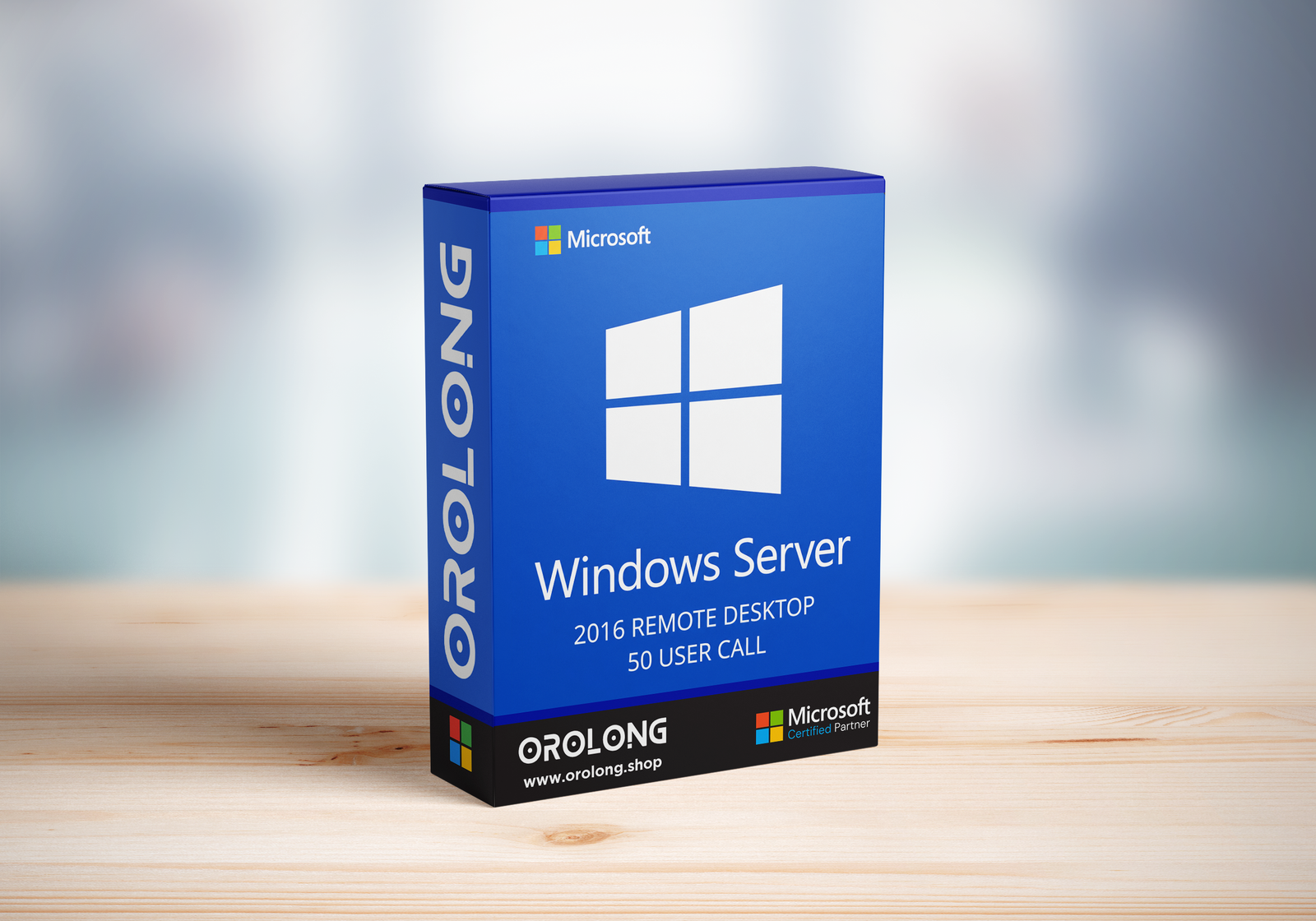
Windows Server 2016 Remote Desktop Services

  • Instant Delivery — Get your license key right after payment!
  • 🔑 Lifetime License — One-time purchase, use forever.
  • 🔒 Safe & Secure Activation — 100% genuine key, safe activation guaranteed.

$61.00

Orolong Verified Badge

Warranty Information

At Orolong, customer satisfaction is our priority. We provide fast digital delivery, clear activation instructions and helpful support to make your software purchase simple and secure.

Our support team is available to assist you with delivery, installation and activation questions.

Description

What is Windows Server 2016 Remote Desktop Services (RDS)?

Windows Server 2016 RDS CAL (Client Access License) is part of Microsoft’s flexible licensing system for Windows Server 2016. This version introduces a range of enhancements focused on simplifying IT management, improving user experience, and increasing security—making it the most advanced RDS release to date.

What is Remote Desktop Services?

Remote Desktop Services (RDS) is a feature that enables users to remotely access Windows programs and full desktops. With proper CALs, IT administrators can centrally manage desktop environments across multiple users and devices.

RDS 2016 licenses are also backward compatible, allowing them to work alongside existing Windows Server 2012 Core licenses—giving IT departments more flexibility when upgrading systems. Thanks to innovations like Express Updates, future upgrades are more efficient and faster.

Do I Need a Client Access License (CAL)?

Yes. Every user or device connecting to a Remote Desktop Session Host requires a valid RDS CAL. You must also have a configured RDS licensing server to install, issue, and track these CALs. The Session Host server checks for a CAL when a user or device attempts to connect.

The Difference Between User CAL and Device CAL

Remote Desktop Services User CALs

A User CAL permits a specific user to access a Remote Desktop Session Host, regardless of the number of devices they use. Ideal for users who require access from multiple devices.

Remote Desktop Services Device CALs

A Device CAL licenses a specific device to connect to a Remote Desktop Session Host, regardless of who is using it. Ideal for environments with shared workstations.

Windows Server 2016 RDS Specifications

  • Installation Method: Digital Download
  • Estimated Delivery Time: Instantly via Email
  • Supported Devices: 1 Concurrent Local Connection per Device License, Unlimited Devices per User License
  • License Type: Lifetime
  • License Term: Indefinite
  • Licensed Use: Home and Commercial Use
  • Brand: Microsoft
  • GTIN: 5532090
  • Features: Includes 50 Remote Desktop User CALs
  • Supported Operating Systems: Windows Server 2016

Explore More Products at Orolong

  • Windows Operating Systems: Windows 11 – Windows 10 – Windows 8
  • Microsoft Office Suites: Office 2021 – Office 2019 – Office 2016 – Office for Mac
  • Antivirus Software:

Questions? Contact us here — (Mon–Fri 9 AM–6 PM · Sat 9 AM–4 PM · Sun Closed, Eastern Time)

Customer Reviews

0 reviews
0
0
0
0
0

There are no reviews yet.

Be the first to review “Windows Server 2016 Remote Desktop Services”

Your email address will not be published. Required fields are marked *